BigSpy Ad Pages helps you find high-quality social media pages and accounts, then compare their advertising activity at a glance.
1. Open Ad Pages
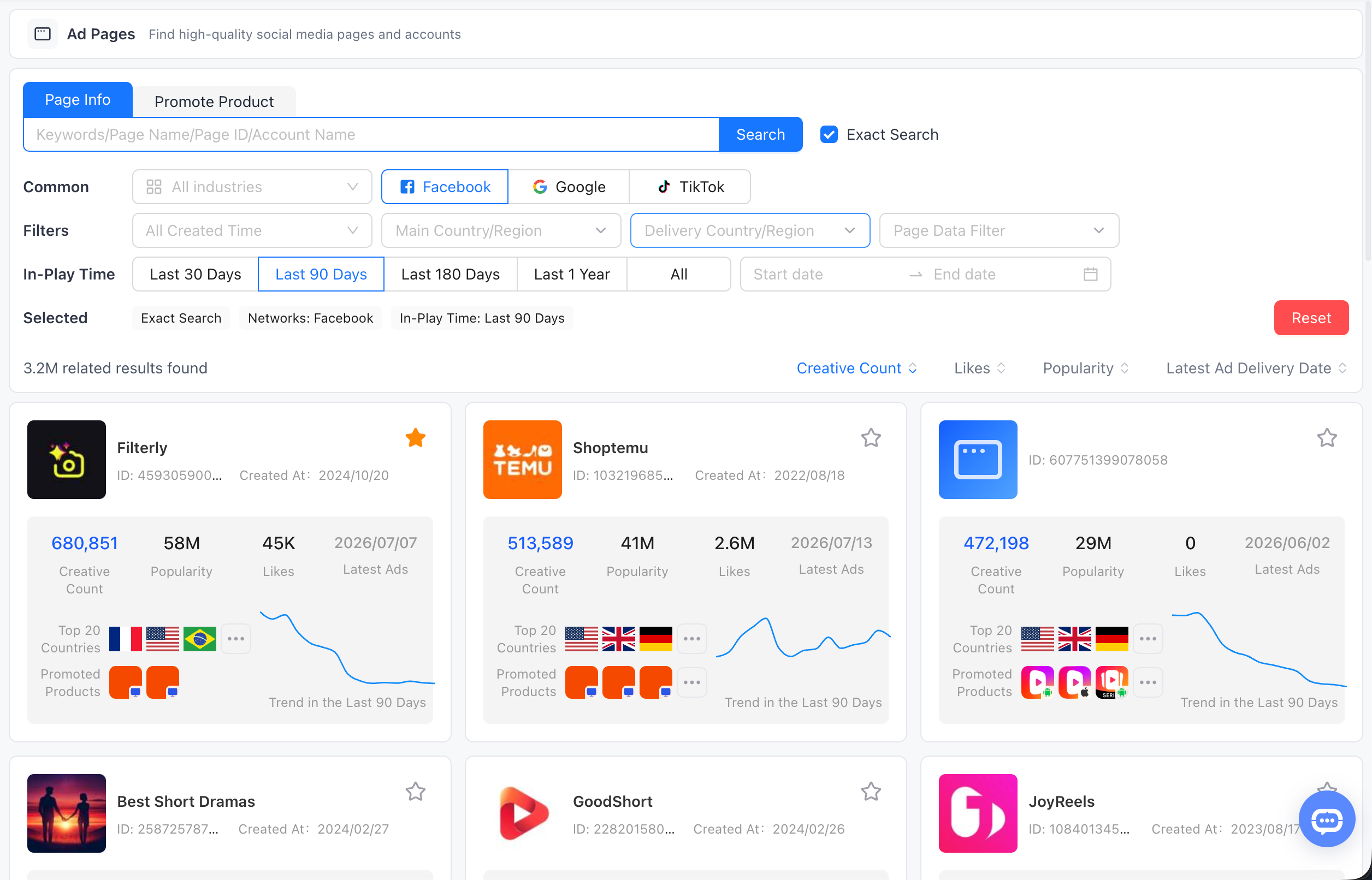
Open Ad Pages to browse social media pages and accounts. The search area is at the top, followed by filters, sorting controls, and the competitor result cards.
2. Choose a Search Mode and Enter a Query
2.1 Page Info and Promote Product

Choose Page Info to search by Keywords, Page Name, Page ID, or Account Name. Choose Promote Product when you want to search through products promoted by the pages. Turn on Exact Search when you need results that closely match the query you entered.
3. Set Common Filters
3.1 Industry
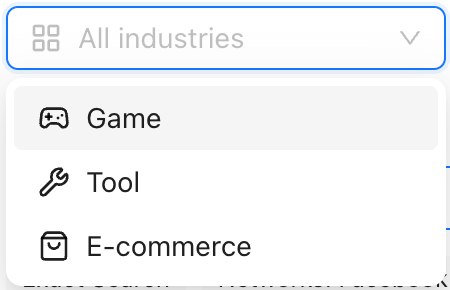
Use All industries for a broad search, or narrow the results to Game, Tool, or E-commerce.
3.2 Networks

Select Facebook, Google, or TikTok to focus the result set on the advertising network you want to research.
3.3 Created Time
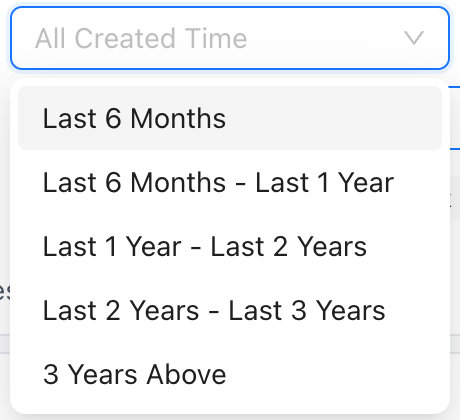
Filter pages by when they were created. The available ranges include Last 6 Months, Last 6 Months - Last 1 Year, Last 1 Year - Last 2 Years, Last 2 Years - Last 3 Years, and 3 Years Above.
4. Refine by Market, Activity, and Page Data
4.1 Main Country/Region and Delivery Country/Region
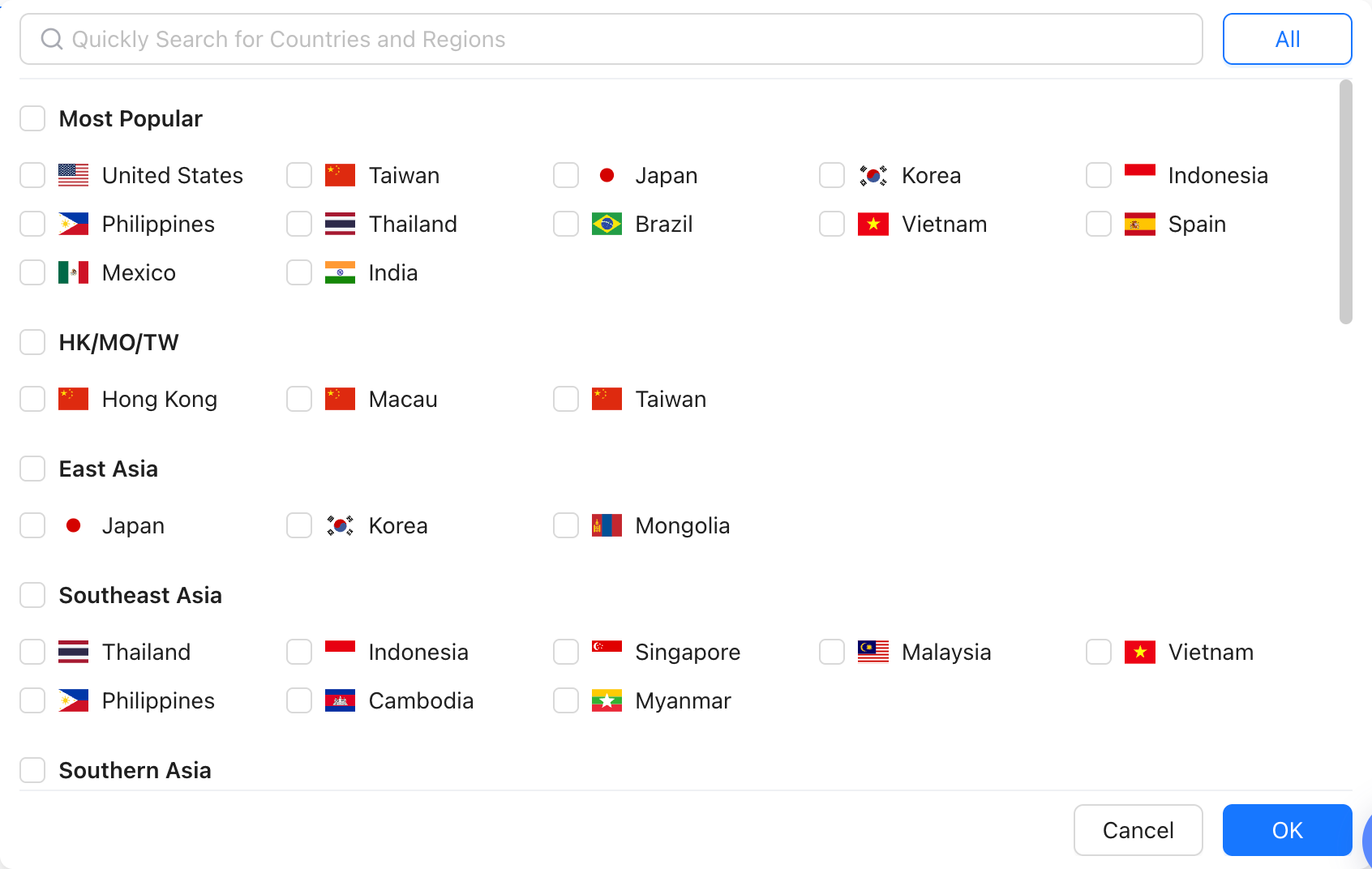
Use the country and region selector for either Main Country/Region or Delivery Country/Region. Search a market directly, choose from popular countries, or select a regional group, then confirm with OK.
4.2 In-Play Time

Choose Last 30 Days, Last 90 Days, Last 180 Days, Last 1 Year, or All. You can also enter a custom start and end date when you need a specific activity window.
4.3 Page Data Filter
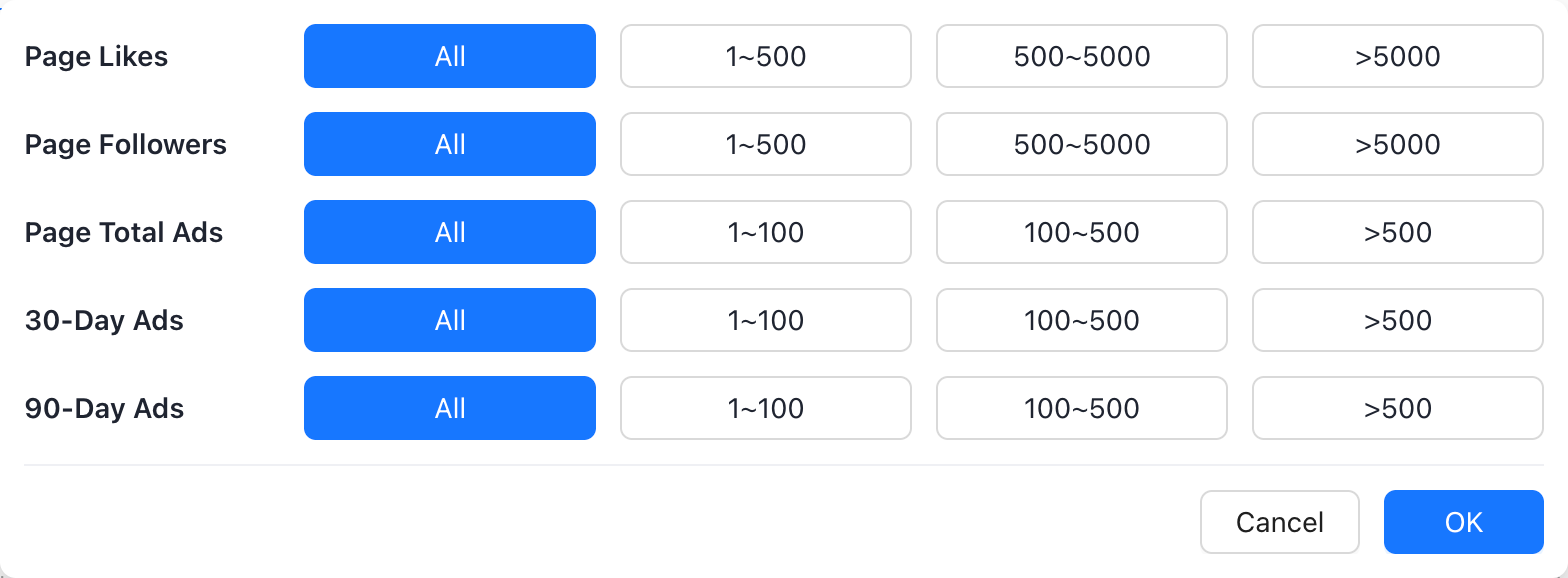
Set ranges for Page Likes, Page Followers, Page Total Ads, 30-Day Ads, and 90-Day Ads to focus on pages with the scale or recent activity you need.
5. Review Active Filters and Sort Results
5.1 Selected Filters and Reset

The Selected row shows every active condition, such as Exact Search, Networks, and In-Play Time. Select Reset to clear the current conditions and start a new search.
5.2 Sort Results

Sort the result list by Creative Count, Likes, Popularity, or Latest Ad Delivery Date, depending on which competitor signal matters most to your research.
6. Read a Competitor Card
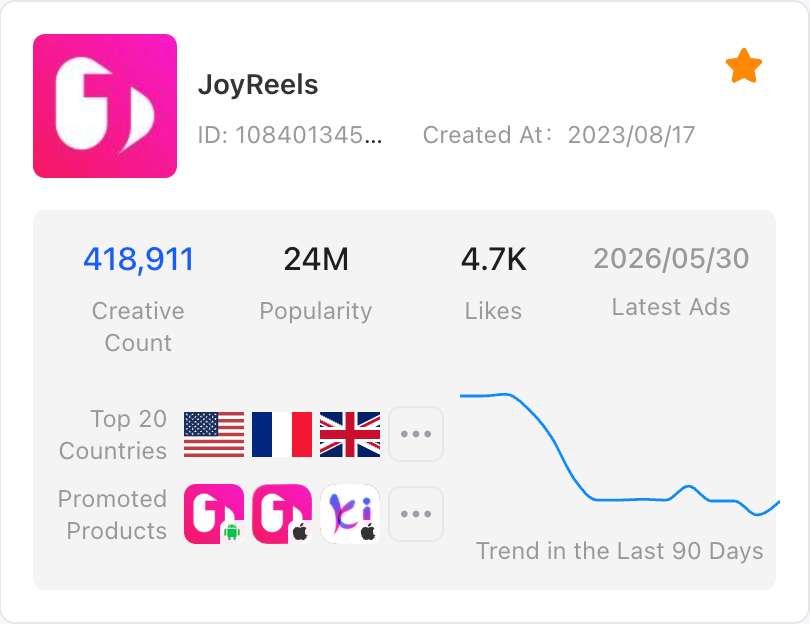
Each card shows the page name, ID, created date, Creative Count, Popularity, Likes, Latest Ads, Top 20 Countries, Promoted Products, and a trend for the last 90 days. Use these signals to decide which competitors are worth investigating first, then click the card to enter its detail page.