 Facebook
 Instagram
 AdMob
AdMob YouTube
 TikTok
 Twitter X
 Pinterest
 Yahoo
Yahoo Unity Ads
 Pangle
 AppLovin
MARKET & FORMAT
Shrink the range first, save attention for the creative
Filter around your target market, research window and content format, cut the irrelevant assets and stay with the ads that concern you.
Game, utility and e-commerce ad creatives gathered into one research view — visuals, ad copy, channels and first-seen dates together. Whether you are studying competitors, opening a new market or planning the next round of assets, the references worth checking are quicker to find.
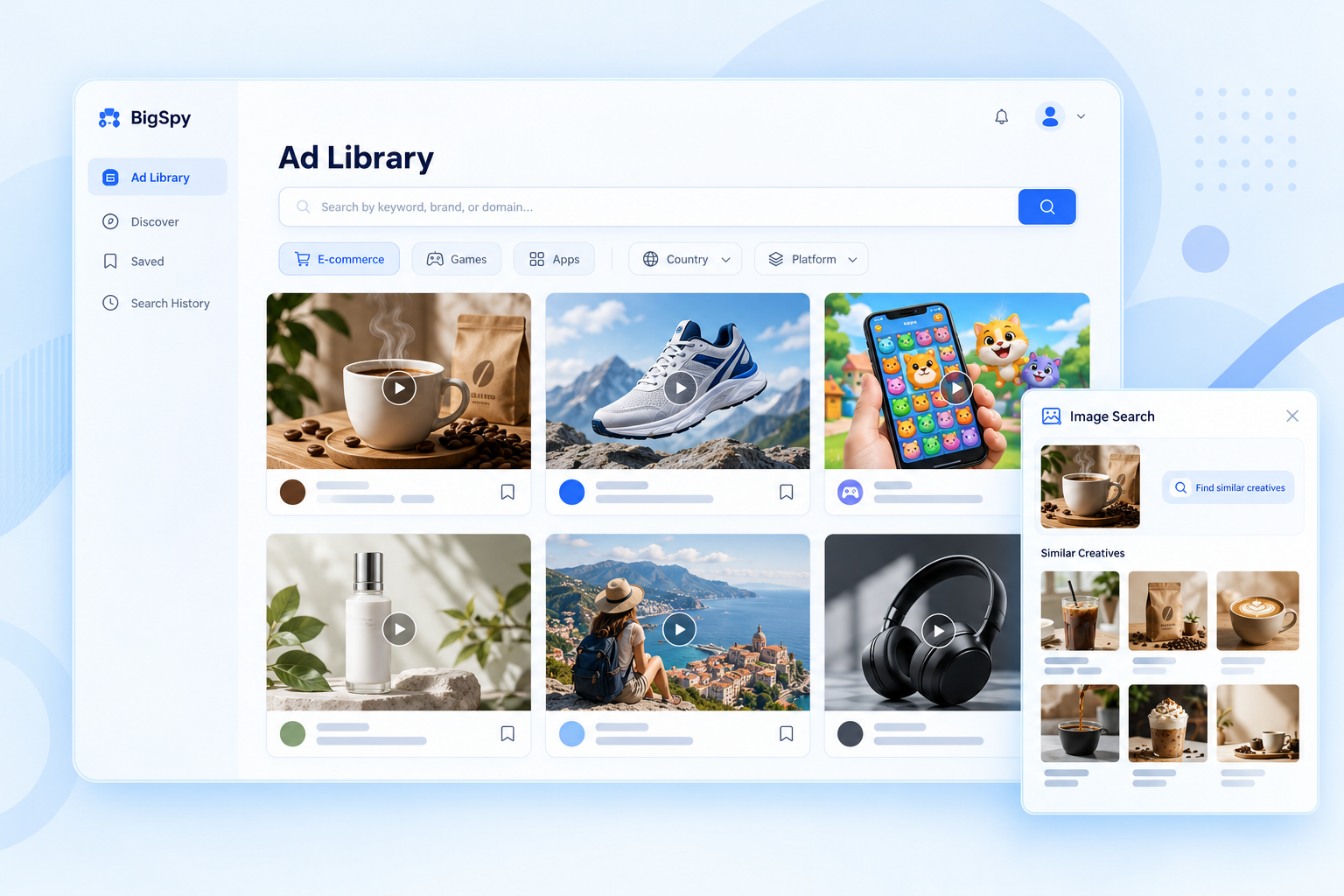
Built for different research situations, connecting search, browsing and keeping what inspires you.
A deep pool to widen your references
New creative keeps surfacing
From market and format to industry-specific conditions
Find references across channels and compare how content is expressed, what form the asset takes and how the idea is built.
Common conditions narrow the market and the format; industry conditions lock onto what you are actually studying.
Filter around your target market, research window and content format, cut the irrelevant assets and stay with the ads that concern you.
Start from the site type and let product ads from Shopify, WooCommerce and other platforms become concrete references.
Narrow by game category, system and core genre / gameplay / theme / IP to study the ad expressions closest to your own game.
Combine delivery, creative and marketing conditions to match the question you are asking, and stop scrolling back and forth.
Put each ad back into its market, channel and timeframe. See who is saying what, to whom and in what form — a fuller basis for choosing assets and shaping creative.
Combine country / region, channel and language filters to see how ads are expressed elsewhere and step outside what you already know locally.
From market, channel, timing and asset format to e-commerce site type and game genre or gameplay — combine what applies and keep research on the ads that matter.
Start a visual search from an image, a video or a link, and let one existing reference lead you to more assets like it.
Type the object or content features you have in mind and find assets containing those visual elements, so an abstract idea gets something concrete to point at.
When a video catches your eye, look for similar assets straight from the card, compare more expressions and open the next idea.
Download for later research or save to revisit, so the creative worth learning from does not scroll past.
From text details or a described scene to an asset you already have — pick the starting point that fits, for competitor research, new-market exploration and building a reference library.
Enter a keyword and search by ad information, ad copy, social page, e-commerce details or landing page domain — let a brand, a product or a line of copy become the starting point.
Type content keywords or descriptive phrases to find ads whose visuals contain that object or content. Enter “Santa hat” to find creatives with a Santa hat in frame — no upload needed.
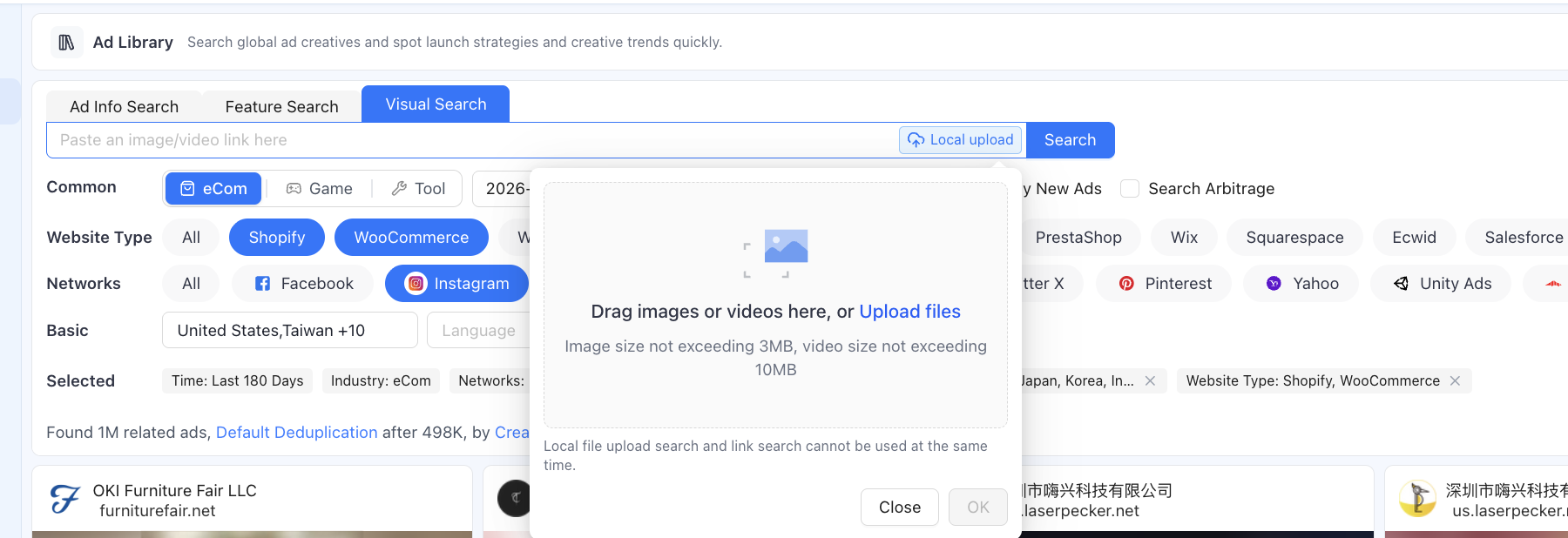
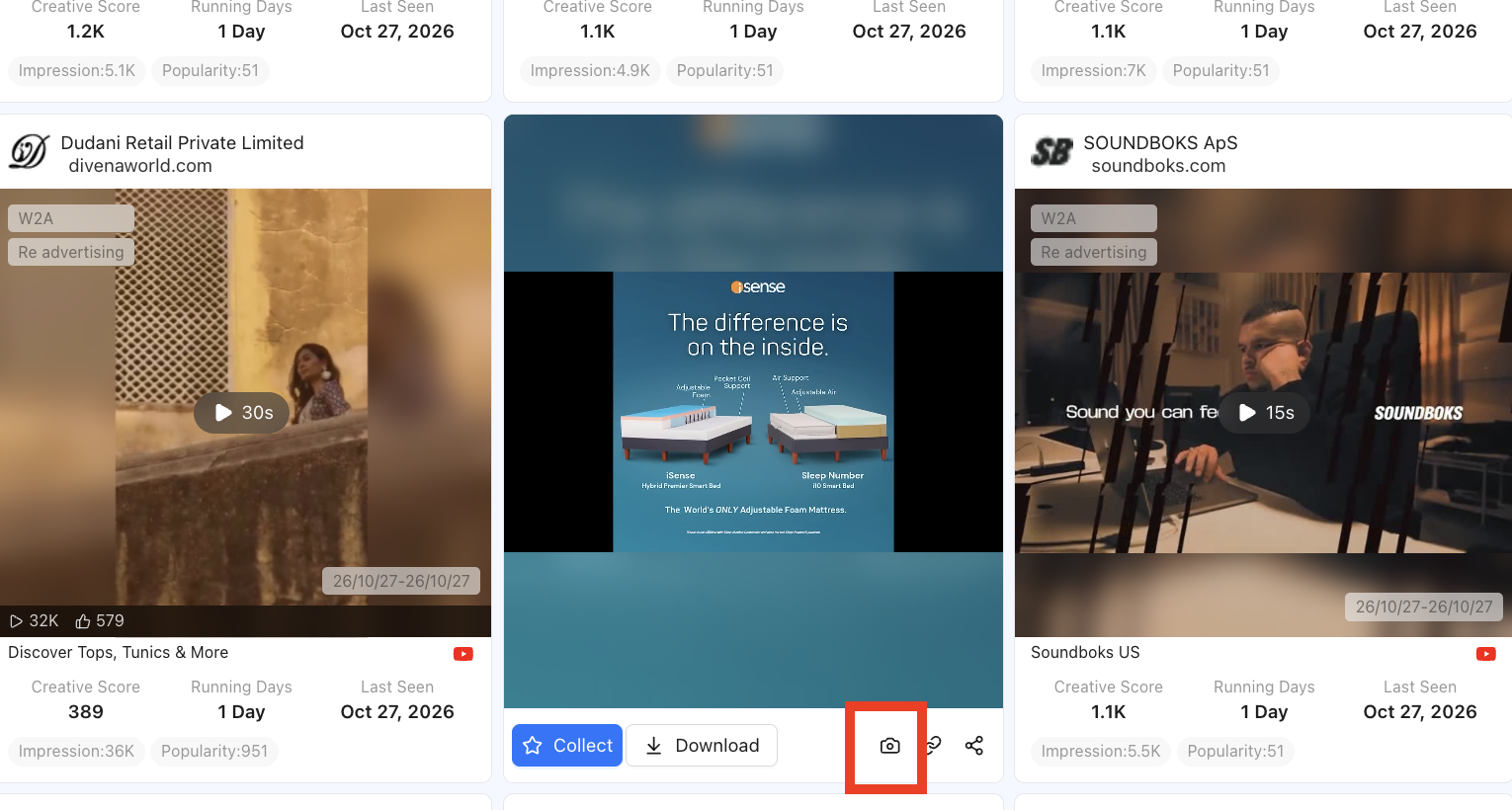
Upload an image or video, or paste a media link, to find similar ads from what you already have. You can also continue from the camera icon on any ad card.
Launching a new product, or needing a new angle on existing assets? Search around a brand and its products, compare openings, selling points, use cases and offer language across similar products, and collect the basis for your own positioning.
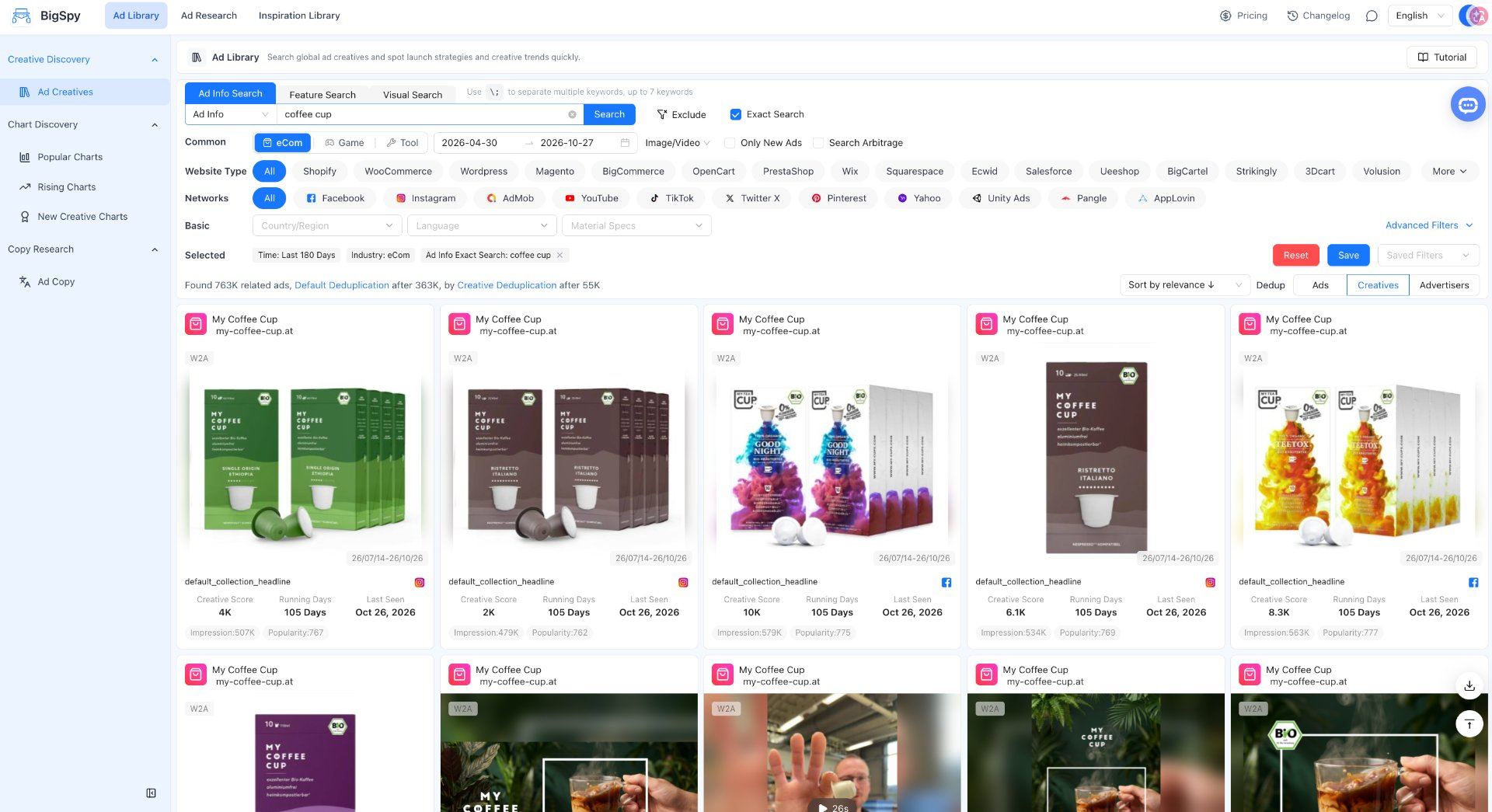
The same product may need a different expression in a different market. Filter by target country, language and channel, and study how local assets present the product, describe the need and structure the promotion, so localization work has something concrete to follow.
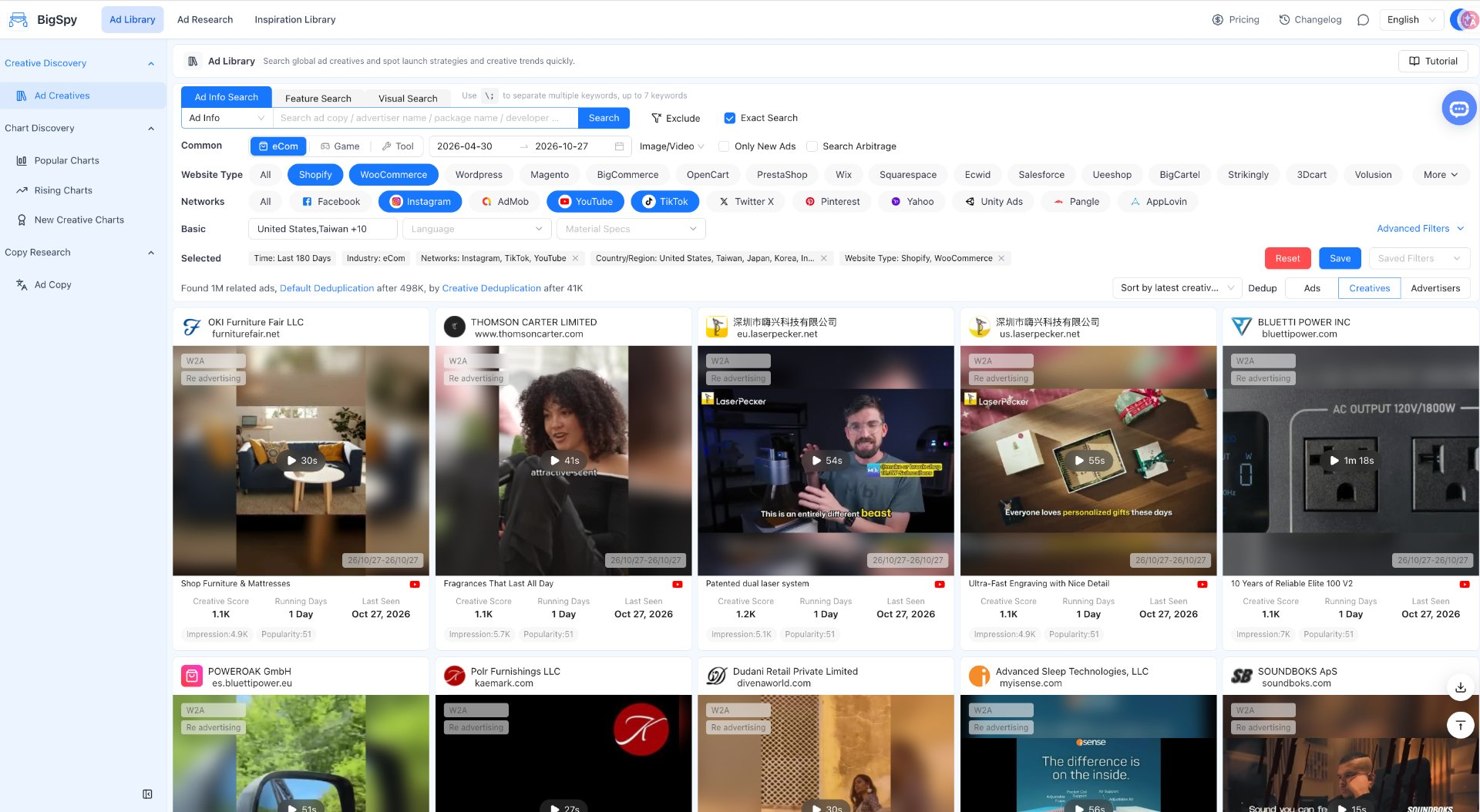
Already have a reference video but do not want the next version to be the same cut with new copy? Use visual search, feature search or find-similar on a card to expand into similar ads, comparing composition, opening, product demo and scene setup for the next round.
Media buying looks for angles, copywriting for expression, editing for pacing, design for imagery. Download or save the ads worth studying, then organize them into references that suit your own process, so every discussion has something concrete to look at.
Pick an industry, enter a keyword or provide a visual reference.
Filter as needed, browse the assets and open up more similar ideas.
Open the details, download or save, and build references for the next round.
For media buying and growth teams who need to find ad creatives and study how they are expressed, and for anyone collecting ad references for copywriting, design and editing work.
Channels shown on this page include Facebook, Instagram, AdMob, YouTube, TikTok, Twitter X, Pinterest, Yahoo, Unity Ads, Pangle and AppLovin.
Filter by country / region, ad language, date range, asset type and size, among others. E-commerce can also be researched by site type, and gaming by category, system and core genre / gameplay / theme / IP. Advanced conditions include social engagement, landing page type, creative format, ad placement, retargeting ads and marketing objective (CTA), available where they apply.
Gaming, utility and e-commerce. Choose an industry for your research goal, then narrow by channel, market, language and asset type.
Ad information search queries ad information, ad copy, social pages, e-commerce details or landing page domains by keyword. Feature search takes visual content keywords or descriptive phrases and finds ads containing that object or content, with no upload. Visual search takes an uploaded image or video, or a pasted media link, and finds similar ads from an existing asset.
Yes — download or save them to keep as research references.
Search, filter, download and save — keep your references within reach.
Explore BigSpy Ad LibraryWe use optional cookies to understand visits and credit our referral partners. You can accept or decline these cookies, and change your choice at any time.Privacy & Cookies Policy