BigSpy TikTok Picks lets you browse official high-quality TikTok creatives and narrow the results by Industry, Category, Country/Region, Language, Promote Target, Engagement Metrics, and Video Duration.
This guide explains the available search, filter, and sorting controls so you can find useful creative references and emerging content patterns more efficiently.
1. Start in TikTok Picks
Open TikTok Picks from the Featured section. The page opens on Last 7 Days and the result list is set to Sort by likes, so you can immediately scan the latest high-performing creatives.
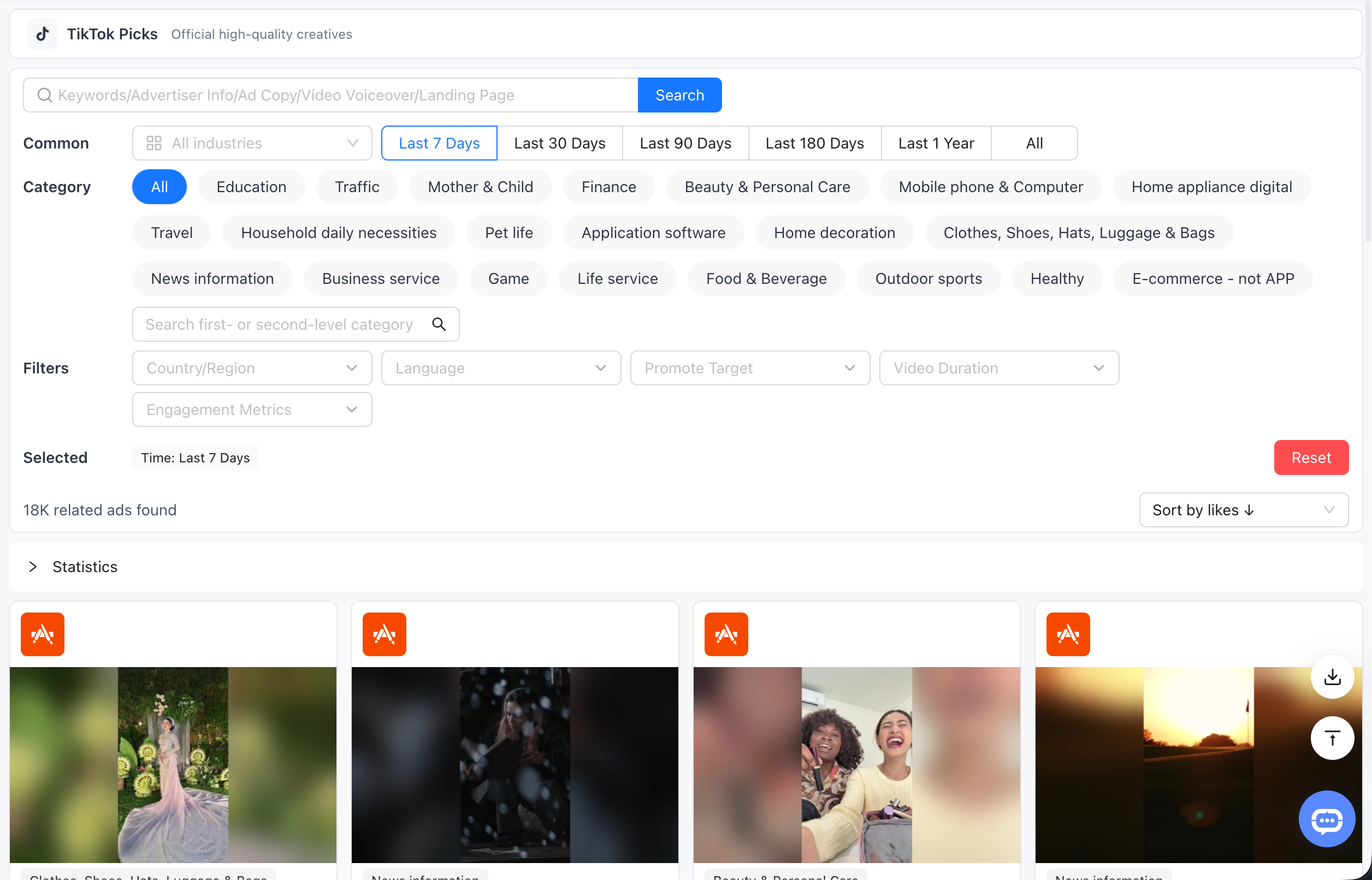
2. Search and Common Filters
2.1 Keyword Search

Use the Search field for Keywords, Advertiser Info, Ad Copy, Video Voiceover, or Landing Page. It is the quickest route when you already know the brand, phrase, offer, or creative angle you want to research.
2.2 Industry
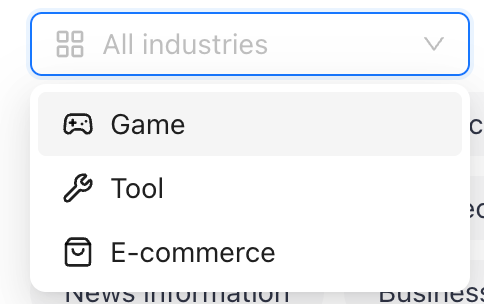
Choose an industry before you compare creative patterns. The menu offers Game, Tool, and E-commerce, helping you avoid mixing formats and offers from unrelated business models.
2.3 Time Range

Select Last 7 Days, Last 30 Days, Last 90 Days, Last 180 Days, Last 1 Year, or All. Use a shorter window to spot what is new; widen the range when you want a larger reference set.
3. Category and Market Filters
3.1 Category

Choose one of the Category chips or use Search first- or second-level category to drill into a vertical. A category filter is especially useful after choosing an industry, when you need examples that are closer to your product.
3.2 Country/Region
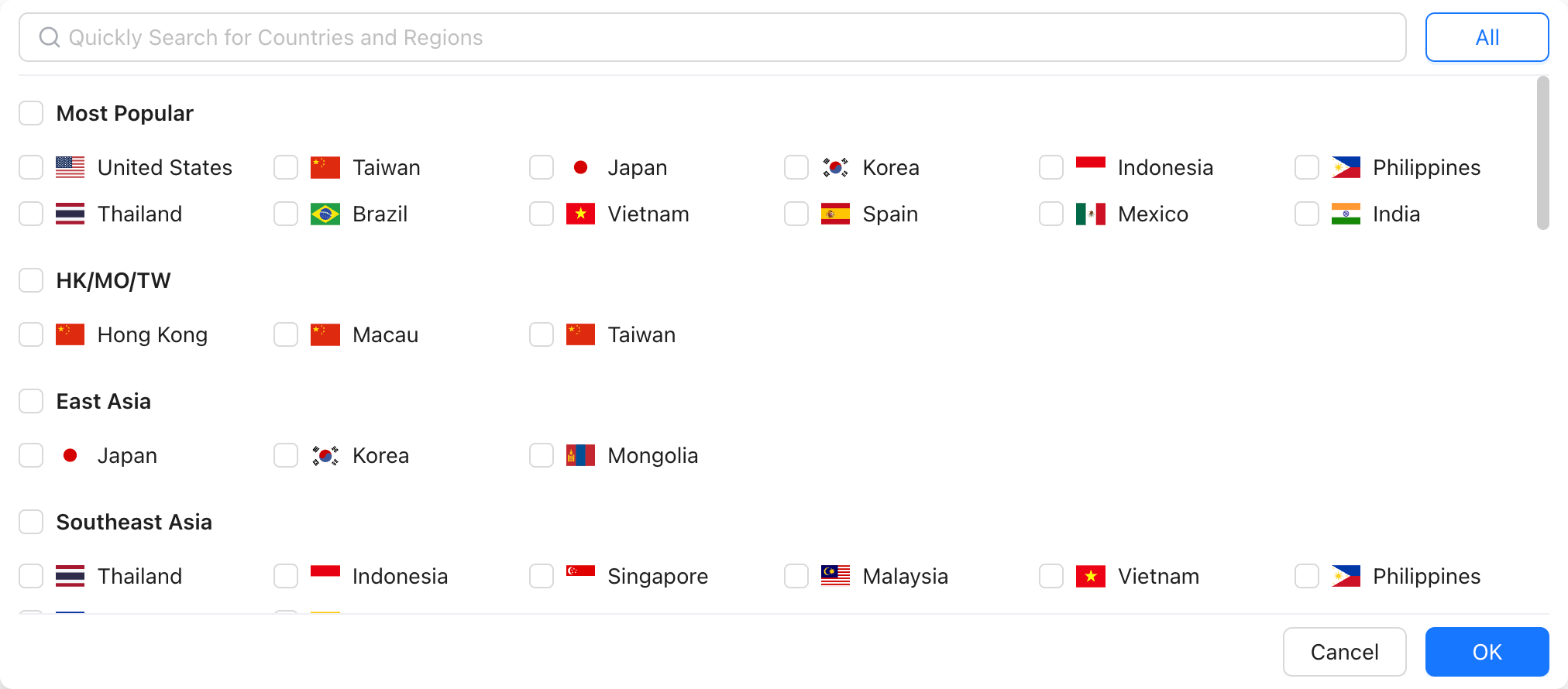
Open Country/Region to browse Most Popular markets or regional groups, or use Quickly Search for Countries and Regions. Select the markets you want to study, then confirm with OK.
3.3 Language
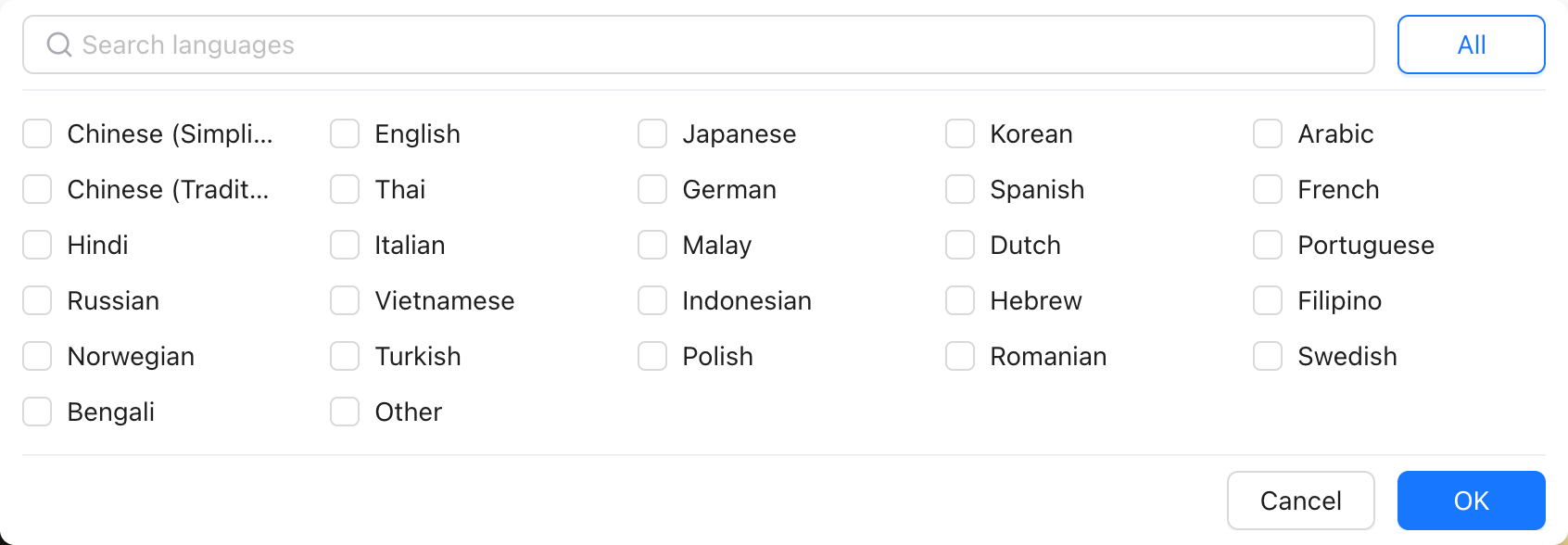
Use Search languages to select the languages relevant to your campaign. This helps you narrow a multilingual result set before reviewing localized creative and video voiceover.
3.4 Promote Target
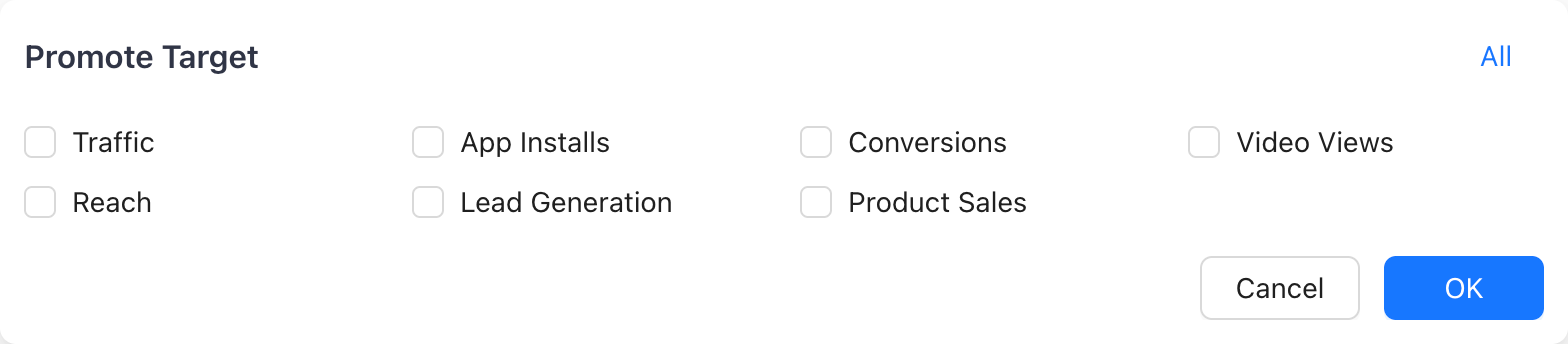
Promote Target lets you group ads by Traffic, App Installs, Conversions, Video Views, Reach, Lead Generation, or Product Sales. Use the same target across your results when you want to compare calls to action and conversion messaging.
4. Engagement Metrics and Video Duration
4.1 Engagement Metrics
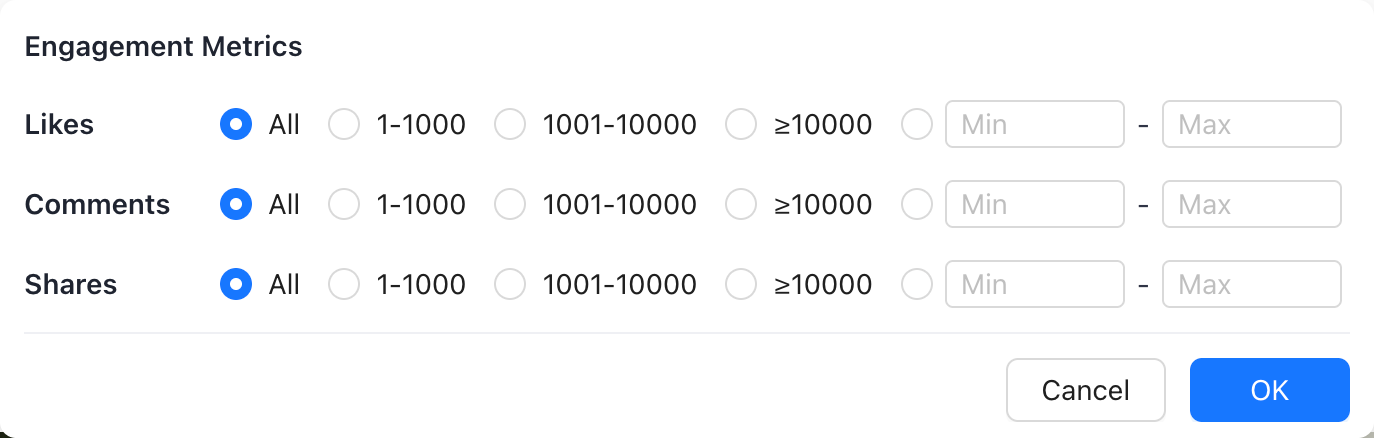
Set a preset range of 1-1000, 1001-10000, or ≥10000 for Likes, Comments, and Shares, or enter a custom Min and Max. This is useful when you want to inspect a particular level of audience response rather than the whole list.
4.2 Video Duration
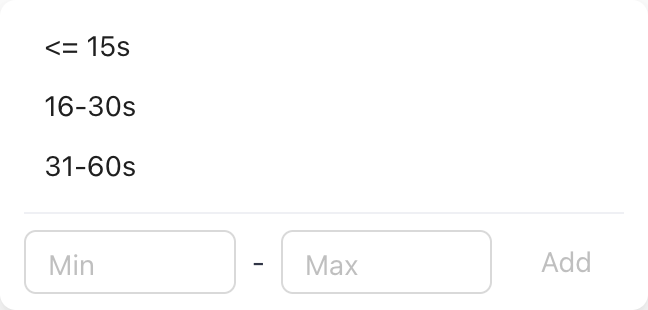
Choose <= 15s, 16-30s, or 31-60s, or add a custom duration range. Comparing creatives within the same duration band makes it easier to evaluate hooks, pacing, and the amount of information each video carries.
5. Review the Selected Row and Sort Results
5.1 Selected Filters and Reset

The Selected row displays every active filter, including the default Time: Last 7 Days. Use Reset to clear your choices and restore the initial view.
5.2 Sort Results
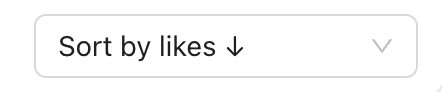
Use Sort by likes to start with widely liked creatives. The menu also supports sorting by comments, shares, and impression value, so you can rank the list around the signal most useful for your review.